We’re pleased to announce MatchGrid 1.12.0, focused on schedule comparison and export capabilities.
What’s New
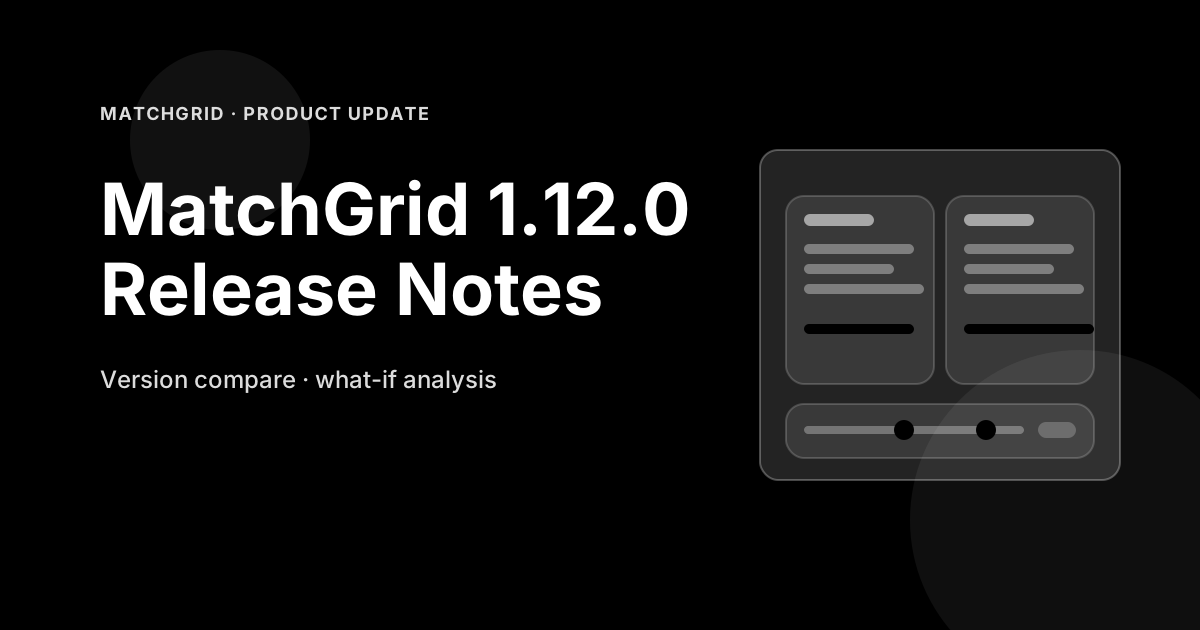
- Schedule version comparison — Side-by-side view of two schedule versions highlighting differences
- What-if analysis — Preview how changes would affect the overall schedule before committing
- CSV export — Download schedules in CSV format for spreadsheet analysis
- iCal/ICS export — Export schedules to calendar apps like Google Calendar and Outlook
- PDF schedule reports — Generate printable schedule reports with customizable layouts
- Event status tracking — Mark events as confirmed, tentative, or cancelled
Improvements
- Enhanced version history with detailed change logs
- Better diff visualization for comparing schedules
- Improved export formatting options
- Faster export generation for large schedules
- Team-specific schedule views with personalized exports
- Venue-specific reports for facility managers
Bug Fixes
- Fixed event accumulation bug where deleted events reappeared between versions
- Resolved export formatting issues with special characters
- Fixed timezone handling in iCal exports
- Minor pagination issues in version history
Technical
- New diff algorithm for efficient schedule comparison
- Background export processing for large files
- Improved memory management during exports
- Enhanced file download handling
How to Access
MatchGrid 1.12.0 is available now for all users. Simply log in to your account to access the latest features and improvements.
Have feedback or feature requests? We’d love to hear from you. Contact us or use the in-app feedback button.
— The MatchGrid Team