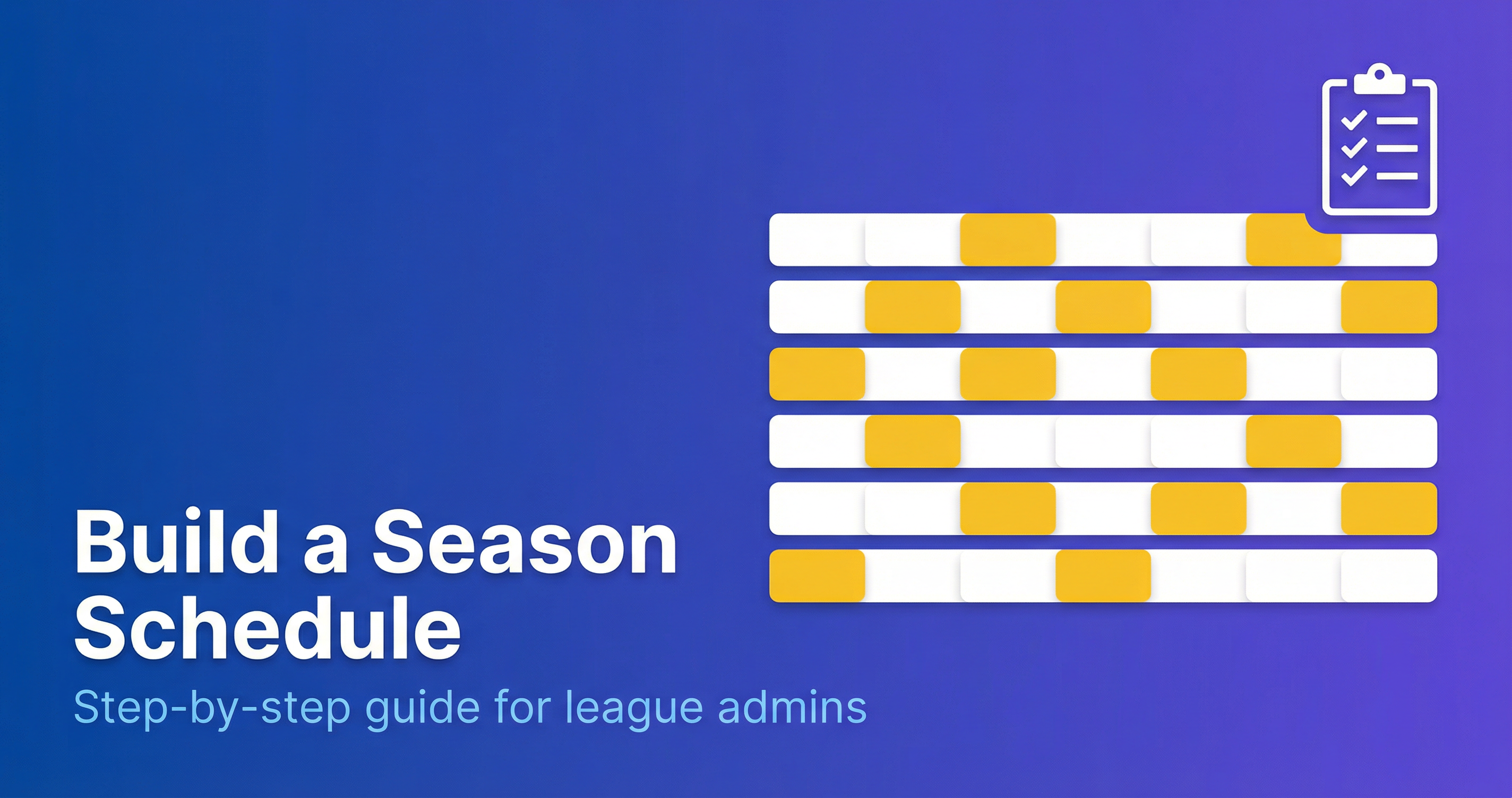
Every league administrator starts somewhere. Whether you’re launching a new recreational program or taking over an established league, building a season schedule from scratch can feel overwhelming. This guide breaks down the process into manageable steps that work for any sport, any size, and any skill level.
Why This Process Matters
A well-built schedule does more than assign games to dates. It:
- Ensures every team gets fair treatment
- Respects venue limitations and availability
- Minimizes travel burden on families
- Prevents conflicts before they happen
- Sets your season up for smooth operations
Skip a step, and you’ll spend the season putting out fires. Follow the process, and you’ll look like a scheduling pro.
Step 1: Define Your Season Structure
Before touching a calendar, answer these foundational questions:
Duration and Dates
- Start date: When does play begin?
- End date: When must the season conclude?
- Blackout dates: Holidays, school breaks, venue closures
Game Requirements
- Games per team: How many regular season games?
- Games per week: One? Two? Weekend only?
- Game length: Including warmup and buffer time
Example Structure
A typical 8-week recreational league might look like:
- Start: September 7
- End: October 26
- 8 games per team (one per week)
- Saturday play only
- No games October 12 (holiday weekend)
Write these parameters down. They become your constraints.
Step 2: Inventory Your Resources
You can’t schedule what you don’t have. Build a complete inventory of:
Teams
| Data Point | Why It Matters |
|---|---|
| Team name | Identification |
| Primary contact | Communication |
| Home location | Travel optimization |
| Blackout dates | Availability constraints |
| Division/tier | Competitive grouping |
Venues
| Data Point | Why It Matters |
|---|---|
| Location name | Identification |
| Number of courts/fields | Capacity planning |
| Available hours | Time slot constraints |
| Address | Travel calculations |
| Cost per hour | Budget management |
Time Slots
Map out every available play window:
- Day of week
- Start time
- End time
- Venue
- Number of games possible
Pro tip: Build more capacity than you think you need. You’ll want room for makeups.
Step 3: Choose Your Format
The right format depends on your goals and constraints. Here are the most common options:
Round-Robin
Every team plays every other team.
Best for: Small leagues (6-12 teams) where you want maximum variety.
Formula: Teams × (Teams - 1) ÷ 2 = total games
Example: 8 teams = 28 total games (each team plays 7 games)
Single Round-Robin with Divisions
Split into divisions, play everyone in your division.
Best for: Larger leagues (16+ teams) that need fewer total games.
Example: 16 teams in 2 divisions of 8 = each team plays 7 division games
Double Round-Robin
Play each opponent twice (home and away).
Best for: Leagues that want true home/away balance or need more games.
Formula: Teams × (Teams - 1) = total games per team
Pool Play
Groups of 4-6 teams play round-robin within pools, then advance to brackets.
Best for: Tournaments or short seasons where standings matter quickly.
Step 4: Collect Constraints
This is where most first-time schedulers fail. Collect ALL constraints BEFORE you start scheduling.
Team Constraints
- Dates team cannot play
- Venue preferences or requirements
- Travel limitations
- Coaching availability windows
Venue Constraints
- Hours of operation
- Maintenance closures
- Shared usage with other programs
- Setup/teardown requirements
League Constraints
- Minimum rest between games
- Maximum games per week
- Required home/away balance
- Division matchup requirements
How to Collect Constraints
- Create a simple form: Use Google Forms or similar
- Set a deadline: No form, no schedule accommodation
- Be specific: “Which dates CAN’T you play?” not “What’s your preference?”
- Confirm receipt: Acknowledge every submission
Step 5: Build the Schedule
Now you’re ready to actually assign games. Work in this order:
Phase 1: Framework
- Map your time slots to a calendar grid
- Block out all blackout dates
- Note venue capacities per day
Phase 2: Matchup Assignment
- Generate required matchups based on format
- For each game week, assign matchups to slots
- Respect division/tier boundaries
Phase 3: Constraint Check
For each assigned game, verify:
- Neither team has a blackout
- Venue is available
- Sufficient rest from previous game
- Travel is reasonable
Phase 4: Balance Review
Review the full schedule for fairness:
- Equal home/away distribution
- Reasonable travel distribution
- No bye week clustering
- Even spread of difficult opponents
Step 6: Validate Before Publishing
Never publish a schedule without validation. Check for:
Hard Errors
- No team scheduled twice at same time
- No venue double-booked
- All required games are scheduled
- All teams have correct number of games
Fairness Issues
- Home/away difference ≤ 2 for all teams
- No team plays same opponent back-to-back weeks
- Bye weeks distributed fairly
- Travel burden roughly equal
Practical Concerns
- First game allows time for roster finalization
- Final games allow playoff seeding time
- Makeup dates available at end
Common First-Time Mistakes
Mistake 1: Not Collecting Constraints First
You build a beautiful schedule, publish it, then get 15 emails about conflicts. Start with constraints.
Mistake 2: Over-Optimizing Early
Don’t spend hours perfecting week 1 before sketching the full season. Build the framework first, then refine.
Mistake 3: Ignoring Travel
Scheduling a North team at a South venue, then at an East venue, then back South wastes everyone’s time. Group geographic trips.
Mistake 4: No Buffer Time
Games run late. Refs are delayed. Schedule 15-30 minutes between games at the same venue.
Mistake 5: Forgetting Makeup Dates
Weather cancellations happen. Hold 2-3 dates at the end of the season specifically for makeups.
Mistake 6: Publishing Too Late
Teams need time to plan. Aim to publish 2-3 weeks before the season starts, minimum.
The Schedule Building Checklist
Use this checklist for every season:
Before Starting
- Season dates defined (start, end, blackouts)
- Team roster complete
- Venue inventory complete
- Format selected
- Constraint forms sent and deadline set
During Building
- All constraints collected
- Framework mapped
- Matchups assigned
- Constraint validation passed
- Fairness review complete
Before Publishing
- Hard error check passed
- Fairness metrics acceptable
- Makeup dates reserved
- Communication plan ready
When Manual Isn’t Enough
For leagues over 12 teams, manual scheduling becomes exponentially harder. Each constraint multiplies complexity. Modern scheduling software can:
- Generate balanced schedules automatically
- Respect all constraints simultaneously
- Optimize for fairness and travel
- Flag conflicts instantly
- Adjust and regenerate in seconds
The investment pays off in hours saved and conflicts avoided.
Ready to automate your scheduling? MatchGrid handles constraint collection, schedule generation, and conflict detection automatically. Explore all features →
Frequently Asked Questions
How long does it take to build a season schedule?
For a first-time scheduler with 8-12 teams, expect 4-6 hours following this process manually. With scheduling software, the same schedule generates in minutes. Subsequent seasons go faster as you reuse templates and learned constraints.
What’s the minimum information I need to start?
At minimum: team list, venue list with available hours, season start/end dates, and games per team. You can build a basic schedule with just this. Adding constraints (blackouts, travel limits, home/away preferences) improves quality but isn’t required to start.
Should I use round-robin or divisions?
Use round-robin for leagues under 12 teams where you want every team to play every other team. Use divisions for larger leagues (16+) to reduce total games while maintaining competitive groupings. Many leagues use a hybrid: divisions for regular season, cross-division play for playoffs.
How do I handle teams that submit constraints late?
Set a firm deadline and communicate it clearly. After the deadline, publish the schedule with the constraints you have. Late submissions can request swaps with affected teams, but the schedule stands. This trains teams to submit on time for future seasons.
What if I don’t have enough venues for all my games?
Three options: (1) Add time slots by extending hours or adding days, (2) Reduce games per team by adjusting format, (3) Partner with nearby facilities for overflow. Calculate total game-hours needed vs. venue-hours available before finalizing your format.
How many makeup dates should I reserve?
Reserve 2-3 dates at the end of the season for a typical 8-10 week season. For outdoor sports or regions with unpredictable weather, reserve 4-5. It’s easier to release unused dates than to find new ones mid-season.
Can I change the schedule after publishing?
Yes, but minimize changes. Each change requires communication to all affected parties and risks creating new conflicts. Use the validation process to catch issues before publishing. When changes are necessary, document the reason and notify everyone immediately.
Start Your First Schedule
Building a schedule from scratch isn’t magic—it’s a systematic process. Define your structure, collect your constraints, choose your format, and validate before you publish.
The first time takes longest. By season two, you’ll have templates, learned preferences, and a process that works. Your teams will notice the difference between a thrown-together schedule and one built with care.
Ready to build your first schedule? Start with Step 1 and work through methodically. Your future self will thank you.